








39 free tools for FiveM, no account needed
Every FiveM tool.
One tab.
Type what you need. Props, particle videos, the handling editor, the clothing designer and the 3D map, one search away.
- GeneratorsFour generators in one place: roleplay characters, server names, gangs and script ideas with a build plan.Generators
- server.cfg GeneratorBuild a complete, working server.cfg with hostname, slots, OneSync, endpoints, tags, resources & ACE permissions.Config & Code
- fxmanifest.lua GeneratorScaffold a valid resource manifest: fx_version, scripts, NUI page, files, lua54 & dependencies.Config & Code
- Vehicle Handling EditorTune mass, drive force, grip and suspension from a UI, then export handling.meta or runtime Lua.Config & Code
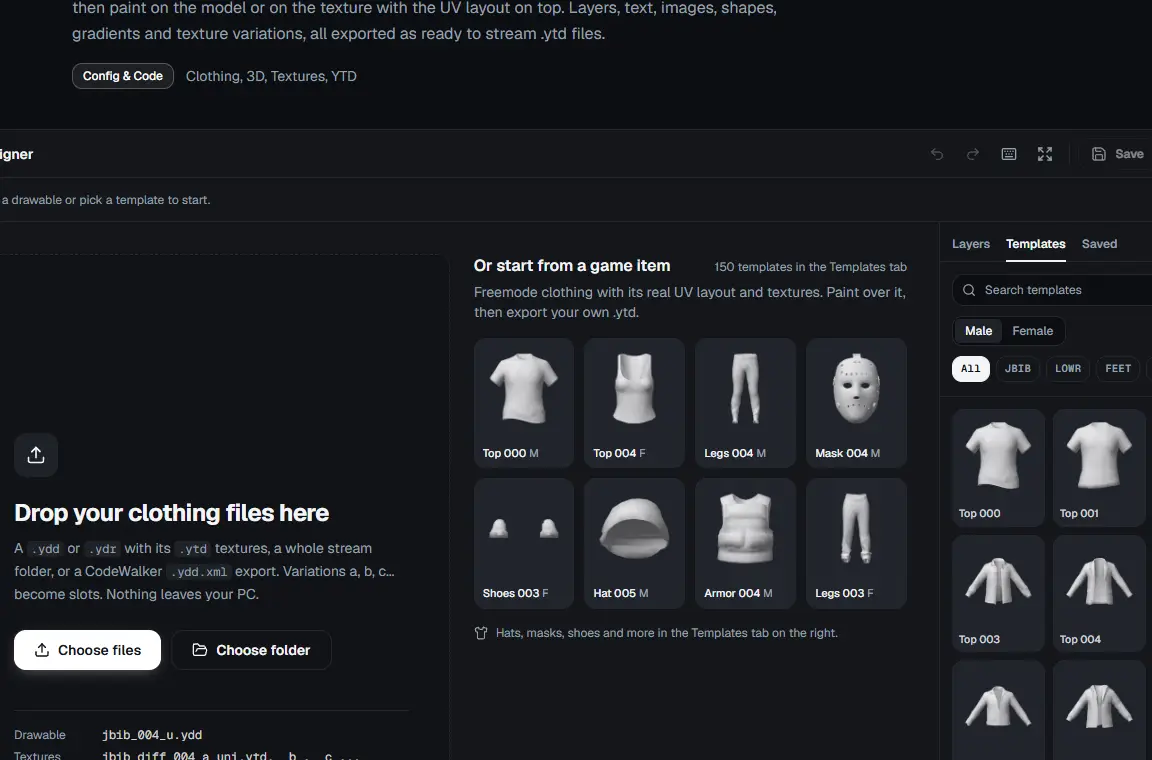
- Clothing DesignerOpen a clothing .ydd or .ydr with its .ytd files, paint in 3D or on the UV layout with layers, text and images, then export new .ytd textures.Config & Code
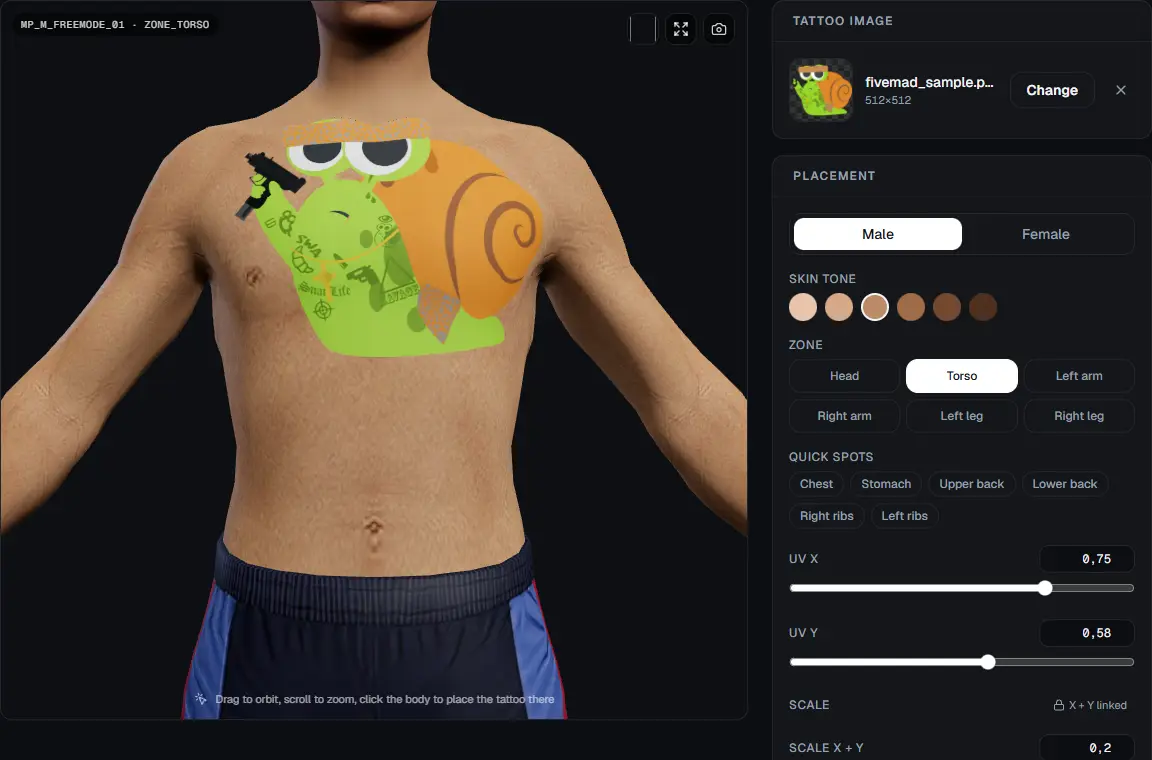
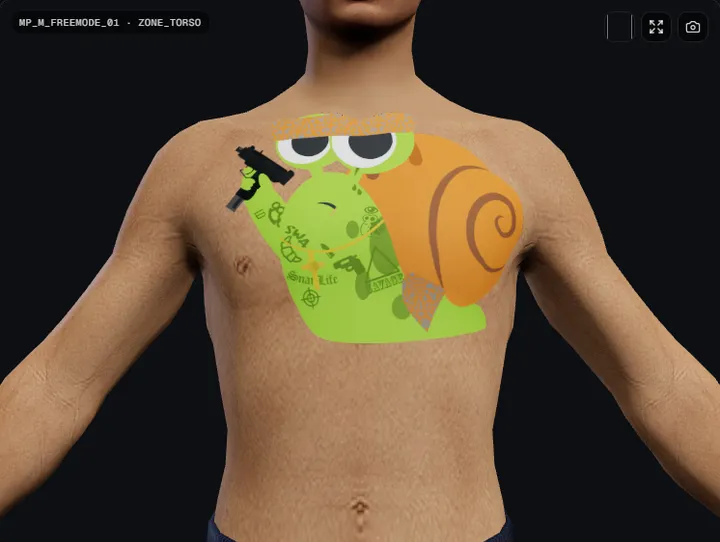
- 3D Tattoo EditorPlace a tattoo on the freemode ped in 3D, by zone, then copy the overlay XML or send it to Durty Cloth Tool.Config & Code
Built on the game's own data
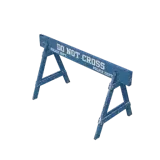
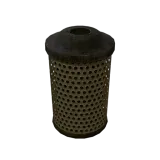
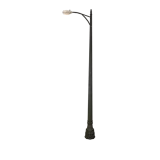
Every prop, particle, blip and model comes from GTA V itself, with a picture or a clip so you can see what you are about to spawn.

Output you can paste straight in
Every tool ends in a file, a snippet or a value, not an article you have to read first.
Fill in what matters
Sensible defaults everywhere. Change the few values your server needs and watch the output update.
Copy or download
server.cfg, fxmanifest.lua, handling.meta, .ymap XML or a Lua snippet, formatted the way you would write it.
Restart the resource
Nothing to install on your server and no account to make. The tools run in your browser.
<?xml version="1.0" encoding="UTF-8"?>
<CHandlingDataMgr>
  <HandlingData>
    <Item type="CHandlingData">
      <handlingName>MYSUPERCAR</handlingName>
      <fMass value="1500.000000" />
      <fInitialDragCoeff value="9.000000" />
      <fPercentSubmerged value="85.000000" />
      <vecCentreOfMassOffset x="0.000000" y="0.000000" z="0.000000" />
      <vecInertiaMultiplier x="1.000000" y="1.000000" z="1.000000" />
      <fDriveBiasFront value="0.300000" />
      <nInitialDriveGears value="7" />
      <fInitialDriveForce value="0.360000" />
      <fDriveInertia value="1.000000" />
      <fClutchChangeRateScaleUpShift value="7.000000" />
      <fClutchChangeRateScaleDownShift value="7.000000" />
      <fInitialDriveMaxFlatVel value="160.000000" />
      <fBrakeForce value="1.100000" />
      <fBrakeBiasFront value="0.450000" />
      <fHandBrakeForce value="0.700000" />
      <fSteeringLock value="40.000000" />
      <fTractionCurveMax value="2.600000" />
      <fTractionCurveMin value="2.400000" />
      <fTractionCurveLateral value="22.500000" />
      <fTractionSpringDeltaMax value="0.150000" />
      <fLowSpeedTractionLossMult value="1.000000" />
      <fCamberStiffnesss value="0.000000" />
      <fTractionBiasFront value="0.480000" />
      <fTractionLossMult value="0.900000" />
      <fSuspensionForce value="2.800000" />
      <fSuspensionCompDamp value="1.600000" />
      <fSuspensionReboundDamp value="2.400000" />
      <fSuspensionUpperLimit value="0.070000" />
      <fSuspensionLowerLimit value="-0.090000" />
      <fSuspensionRaise value="0.000000" />
      <fSuspensionBiasFront value="0.500000" />
      <fAntiRollBarForce value="0.900000" />
      <fAntiRollBarBiasFront value="0.600000" />
      <fRollCentreHeightFront value="0.200000" />
      <fRollCentreHeightRear value="0.200000" />
      <fCollisionDamageMult value="1.000000" />
      <fWeaponDamageMult value="1.000000" />
      <fDeformationDamageMult value="0.700000" />
      <fEngineDamageMult value="1.500000" />
      <fPetrolTankVolume value="65.000000" />
      <fOilVolume value="5.000000" />
      <fSeatOffsetDistX value="0.000000" />
      <fSeatOffsetDistY value="0.000000" />
      <fSeatOffsetDistZ value="0.000000" />
      <nMonetaryValue value="1000000" />
      <strModelFlags>440010</strModelFlags>
      <strHandlingFlags>20000</strHandlingFlags>
      <strDamageFlags>0</strDamageFlags>
      <AIHandling>SPORTS_CAR</AIHandling>
      <SubHandlingData>
        <Item type="NULL" />
        <Item type="NULL" />
        <Item type="NULL" />
      </SubHandlingData>
    </Item>
  </HandlingData>
</CHandlingDataMgr>
All 39 tools
Filter by what you are working on, or search.
Generators
Four generators in one place: roleplay characters, server names, gangs and script ideas with a build plan.
server.cfg Generator
Build a complete, working server.cfg with hostname, slots, OneSync, endpoints, tags, resources & ACE permissions.
fxmanifest.lua Generator
Scaffold a valid resource manifest: fx_version, scripts, NUI page, files, lua54 & dependencies.
Vehicle Handling Editor
Tune mass, drive force, grip and suspension from a UI, then export handling.meta or runtime Lua.
Clothing Designer
Open a clothing .ydd or .ydr with its .ytd files, paint in 3D or on the UV layout with layers, text and images, then export new .ytd textures.
3D Tattoo Editor
Place a tattoo on the freemode ped in 3D, by zone, then copy the overlay XML or send it to Durty Cloth Tool.
Drawable Studio
Open CodeWalker XML (.ydr, .ydd, .yft) in 3D. Inspect, edit materials and lights, paint textures and export.
Weapons Meta Editor
Edit weapons.meta from the game's own defaults: damage, range, fire rate, clip size, recoil and more.
YTYP Creator
Create .ytyp archetype XML for your props. Drop the .ydr XML and the bounds are calculated for you.
Texture Editor
Open a .ytd export, preview and replace textures, convert PNG to DDS with mipmaps and export back to CodeWalker.
Vehicle Sirens Editor
Edit carcols.meta siren settings with a live light pattern preview, and find free or clashing siren IDs.
Vehicle Pack Validator
Drop a vehicle resource and get every broken link between its metas, stream files and fxmanifest.
YMT Creator
Generate the ped variation .ymt for an addon clothing pack from its drawable and texture file names.
Inventory Icons
Make transparent, trimmed inventory icons from 29,000 prop pictures or your own images, with items.lua.
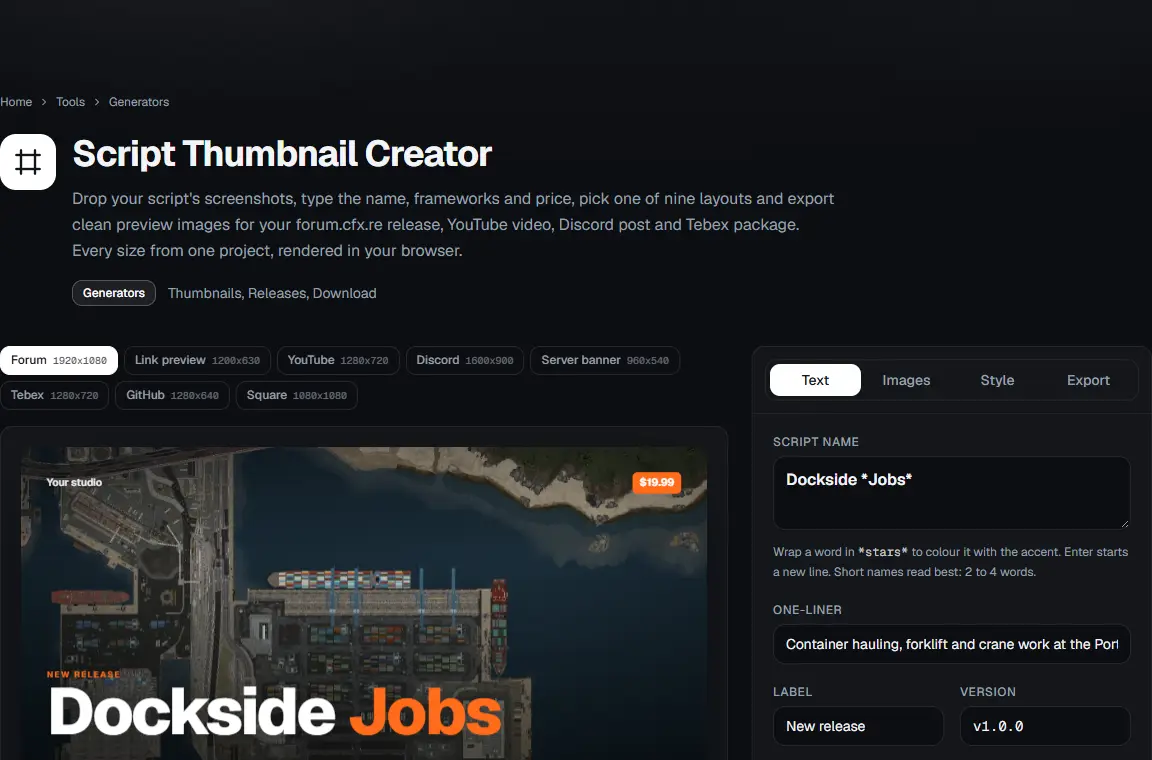
Script Thumbnail Creator
Release thumbnails for forum.cfx.re, YouTube, Discord and Tebex from your screenshots, in every size at once.
YTD Optimizer
Shrink many .ytd files at once: cap texture size, pick the right compression, rebuild mips, see the memory saved.
Native Audio Builder
Turn WAV, MP3 or OGG files into a native audio resource: .awc bank, .dat54.rel, fxmanifest and Lua, built in the browser.
YMAP Builder
Place props by coordinates and get a valid .ymap XML with correct rotations, extents and LOD distances.
Server Status Checker
Is a FiveM server online? Enter an IP:port or cfx.re join code for players, build, resources and map.
Profiler Analyzer
Drop a FiveM profiler JSON and see which resources and threads eat your frame or tick time, with clear fixes.
Cfx Blacklist Checker
Check whether an IP, a host or a server's join code is on the Cfx.re platform blacklist. Check a VPS before you buy it.
Server Status Badge
Embed a live status badge on your site, README or Discord. Always shows your real player count.
joaat Hash Calculator
Convert any string to its GetHashKey (joaat) value in signed, unsigned and hex form, instantly.
Driving Style Calculator
Tick the behaviours you want and get the driving style flag value for TaskVehicleDriveToCoord & co.
Animation Flags Calculator
Build the flag value for TaskPlayAnim: loop, upper body, controllable, hold last frame and more.
Warning Screen Buttons
Calculate the button flags for SetWarningMessage alert screens: accept, cancel, retry and more.
Draw Text Colors
Preview GTA V ~r~ ~b~ ~h~ colour and formatting codes live, as they render in DrawText and notifications.
Model & Hash Browser
Search 900+ vehicles, 1100+ peds and every weapon with photos, spawn names and hashes.
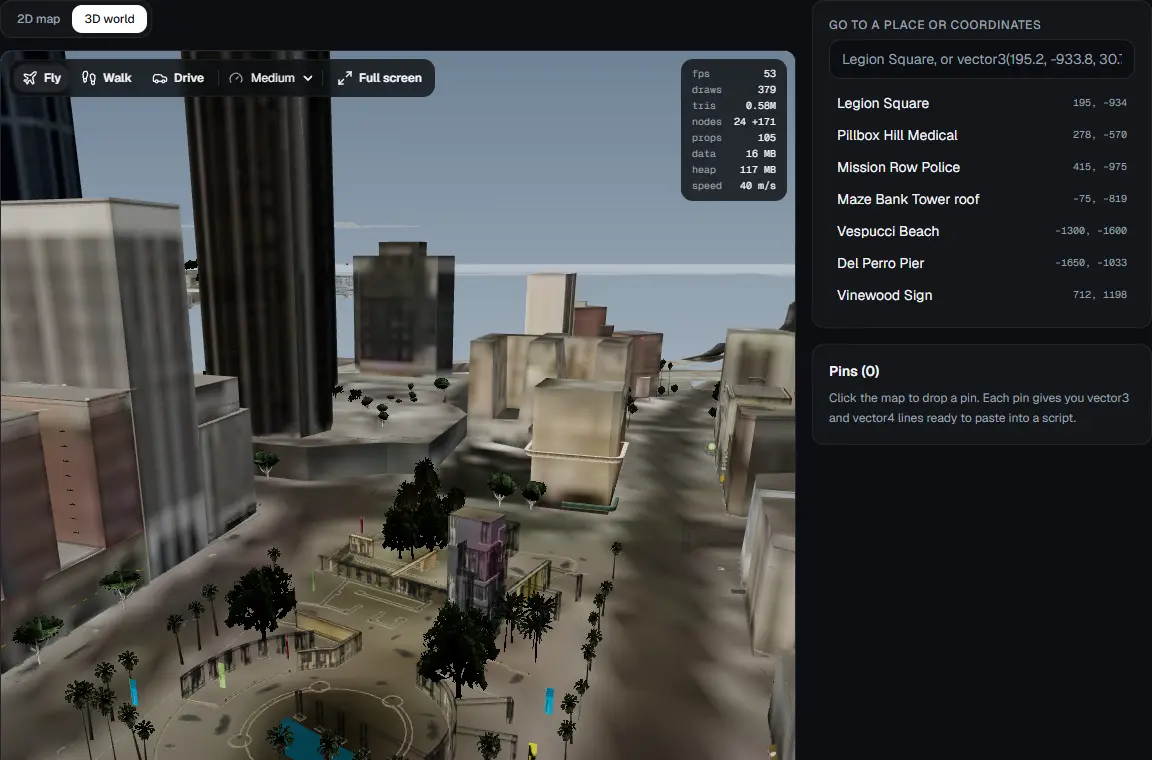
Interactive Map
The whole GTA V map in your browser: a 2D map with coordinates and a 3D world you can fly or walk through.
Blip, Marker & Checkpoint Browser
Every blip sprite and colour, every marker type and every checkpoint type. Searchable, with one-click copy.
Weapon Stats & Components
Every weapon with its hash, group, ammo type, components, attachments and tints.
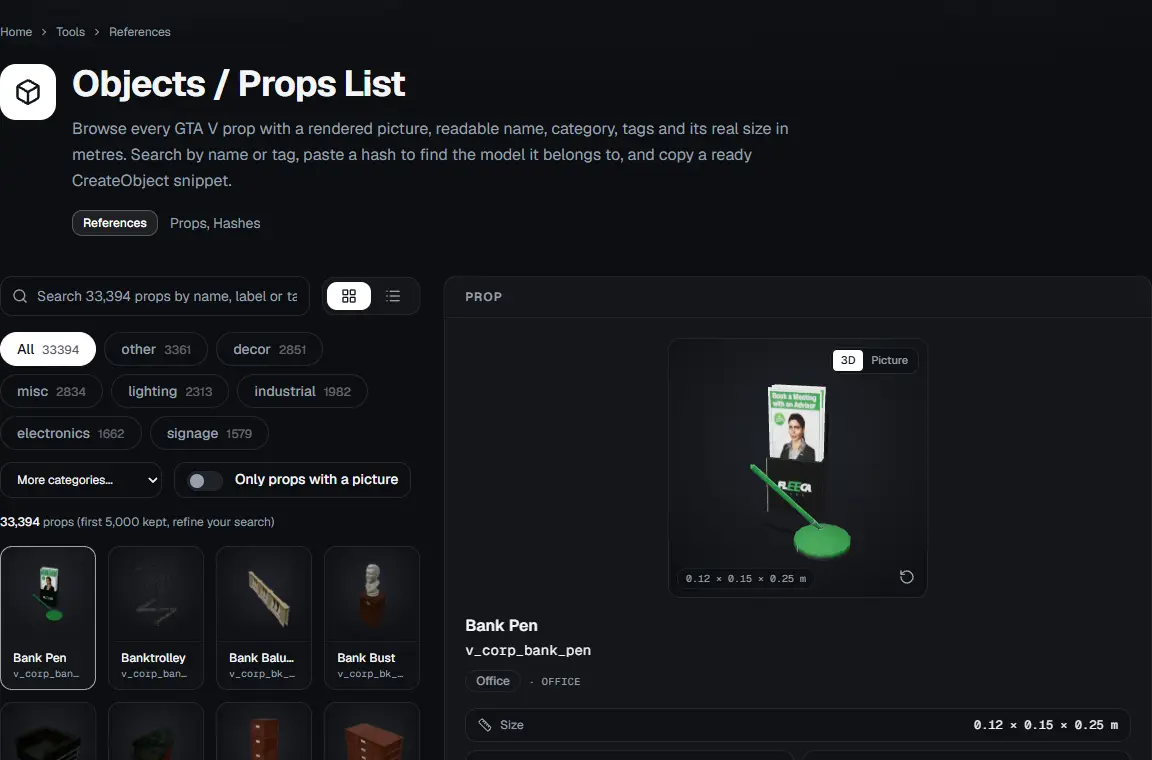
Objects / Props List
29,000+ GTA V props with pictures, categories, real sizes and hashes. Search, filter and copy.
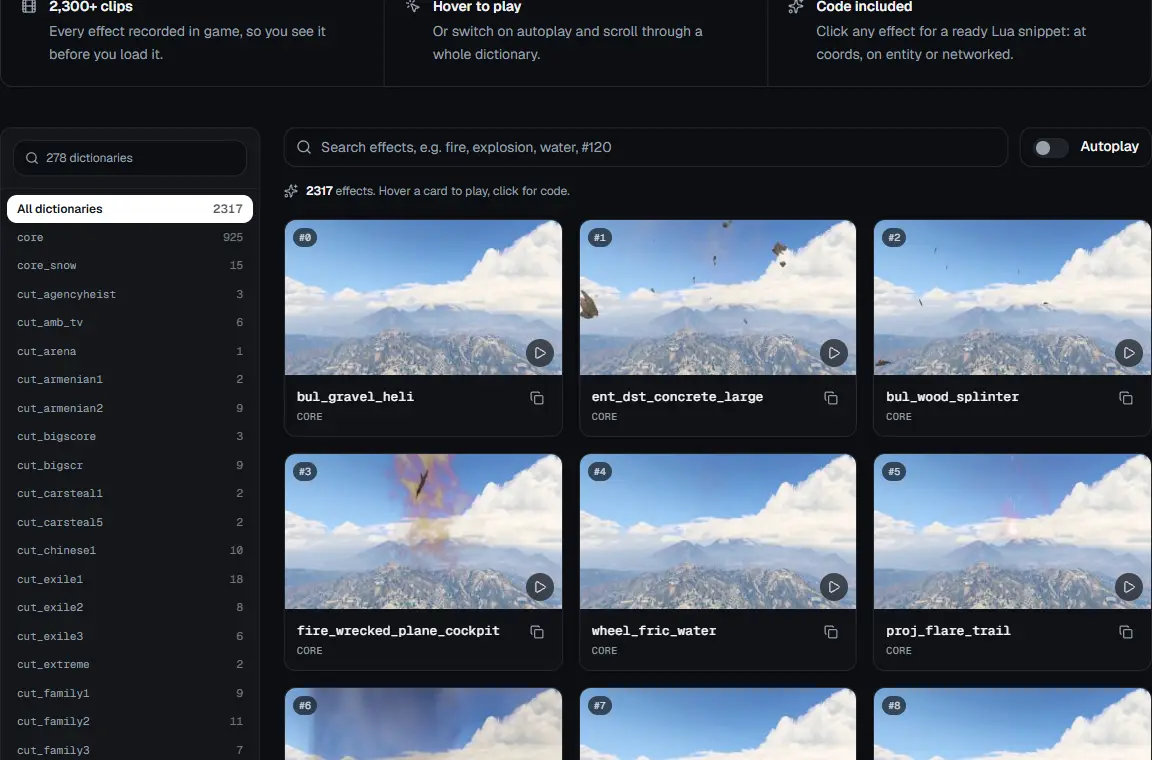
Particle Effects List
Every particle effect name with its particle dictionary (ptfx asset). Copy a ready Lua snippet.
Sound Browser
2,100+ GTA V frontend sounds with their sound set. Listen in the browser, copy the name and a ready PlaySoundFrontend call.
Controls Reference
Every GTA V control index with its name and default keyboard and pad input. Press a key to find it.
Scaleform Functions
Reference of scaleform movies and their callable functions with known parameters.
Player Stats List
Searchable list of known GTA V player stat names with their types, for StatGetInt, StatSetInt & co.
Parachutes & Smoke Trails
Every parachute tint and smoke trail colour with labels, indices and RGB values.
Game Damage Events
Docs for detecting kills, deaths and vehicle damage via CEventNetworkEntityDamage, with ready code.
Showing 39 of 39 tools, all free, all in your browser
Images for your inventory
Item Icons is our FiveM and RedM image gallery: 18,000+ item pictures, ready for your inventory resource.
Browse Item Icons








Questions
The short answers. Anything else, ask on the forum.
- Does my data leave my browser?
- Almost never. Generators, calculators and config builders run entirely client-side. Only the Server Status Checker and Status Badge contact our server, because browsers cannot query a FiveM server directly.
- Do the tools work with QBCore, ESX, Qbox and ox?
- Yes. The outputs are framework-agnostic (natives, manifests, cfg, meta). Where a framework matters, like ACE permissions or script ideas, you can pick it.
- Does this work for RedM too?
- The hash calculator, fxmanifest generator and server tools work for RedM. Model, blip and particle references are GTA V specific.
- Where does the game data come from?
- Model, weapon and particle lists come from public GTA V data dumps and the official FiveM documentation. Prop pictures are rendered from the game's own models. Hashes use the same joaat algorithm as the game.
- What is Item Icons?
- Item Icons (items.rainmad.com) is our sister site, a FiveM & RedM image gallery for inventory items and resources.
- Can I suggest a tool?
- Please do. Post it on the forum or in Discord. Most of the toolkit started as a request from someone running a server.
Stuck on something?
Ask on the forum or in Discord. Tool requests, bug reports and resources you want to share all go there too.